

Strategy
How to increase your business's takeaway and delivery orders
Five concrete levers — push notifications, points programme, related products, time slots and loyalty — to grow takeaway and delivery.
A pizzeria lives on peaks: Friday at 8pm everything arrives at once. Your online pizzeria collects orders in one place and lets you set how many orders to make available in each time slot.

The phone never stops, the oven is full, someone asks for half-and-half and you have to remember it all by heart. You accept more orders than you can make, times stretch out and the customer gets annoyed. Or you stop answering and lose orders.
Customer and business see two different interfaces for the same order.
They choose pizzas, available doughs, sizes and extras directly from the menu.
They select pickup or delivery and a time slot among those you have made available.
The dashboard shows products, variants, method, time and required details.
Open the time slots you can manage and set the capacity supported by the system. When a slot is no longer available, customers choose among later ones, helping you organise pickups without promising times you cannot sustain.
How many orders you accept
Variants and doughs
Commission on the order
You can configure available variants and extras; the customer builds the order and you receive the selection on the ticket. Menu-specific setups must be checked.
Customers see the other slots you have left open and can choose a later time.
Yes, from the methods you configure for the pizzeria, together with the relevant times and zones.
You can offer payment on pickup or delivery; online payment is an optional module with terms listed on the pricing page.
Orders are visible in the dashboard on compatible devices. For printing, you can connect a network printer or use the Mobee device with built-in printer.
Five concrete levers — push notifications, points programme, related products, time slots and loyalty — to grow takeaway and delivery.
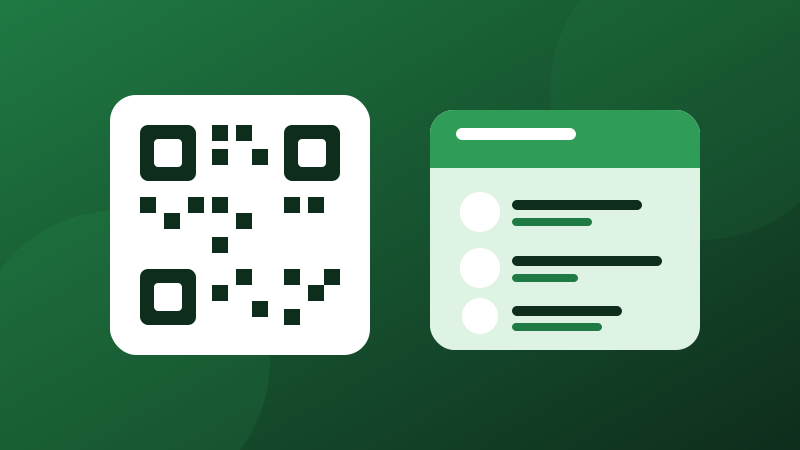
A digital menu with a QR code isn't just for showing dishes: done well, it gets people to order more. Here are the advantages and how to create one in minutes.
Create your online storefront, share it with your customers and start receiving orders. The first 20 orders a month are free, and you never pay commission on an order.
Ready in minutes · 20 orders a month free · No credit card required