
Guides
Digital menu with QR code: why your restaurant needs one
A digital menu with a QR code isn't just for showing dishes: done well, it gets people to order more. Here are the advantages and how to create one in minutes.
A QR code on the table is common now. What matters is what's behind it: a PDF to zoom in on, or a menu you can actually order from.
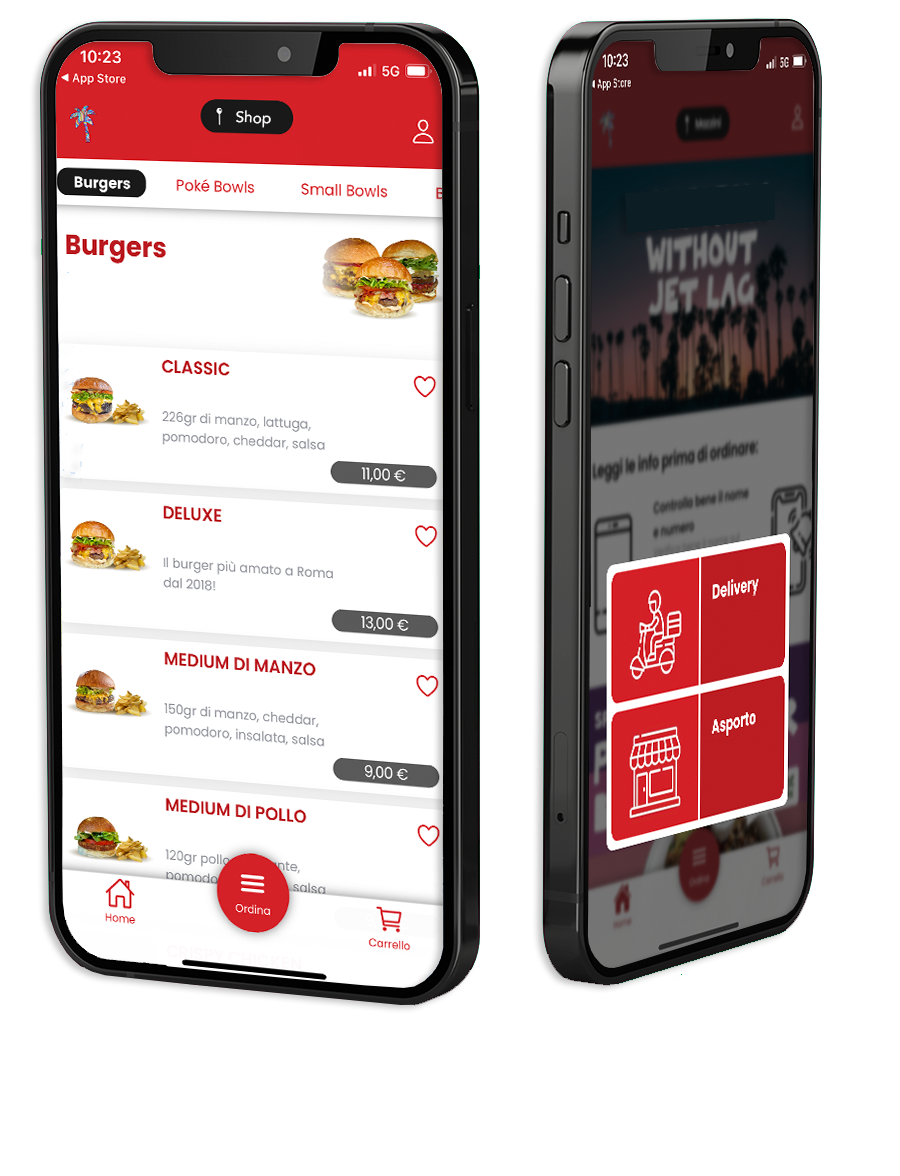
Many QR codes open a scan of the paper menu: the customer zooms in, zooms out, can't find the prices and ends up asking a server. Might as well have given them the printed menu.
The same code on the table, in the window and on the takeaway box. Whoever walks past in the evening looks at the menu; whoever's already eaten reuses it to order at home.
What the QR code opens
Can you order?
Updating the menu
No, the code stays the same.
On tables, in the window, on takeaway boxes and on social media profiles.
A digital menu with a QR code isn't just for showing dishes: done well, it gets people to order more. Here are the advantages and how to create one in minutes.
What a restaurant's online storefront is, why it's worth having, and how to get one with nothing for your customers to download.
Create your online storefront, share it with your customers and start receiving orders. The first 20 orders a month are free, and you never pay commission on an order.
Ready in minutes · 20 orders a month free · No credit card required